ancial loss and identity theft.
One common attack vector is fake app stores. Criminals create convincing replicas of popular payment apps, and if downloaded, they can silently steal your login details or even intercept transaction data. According to cybersecurity firm Zscaler, in early 2026, they identified over 200 malicious apps disguised as legitimate financial tools, targeting Android users specifically.
Fortifying Your Mobile Payment Apps
The first line of defense is within the apps themselves. Most reputable payment services offer strong security features, but it’s up to you to enable and use them correctly. This includes setting up PINs, passwords, and critically, enabling two-factor authentication (2FA).
2FA adds an extra layer of security, requiring a second form of verification beyond just your password, such as a code sent to your phone or a fingerprint scan. For instance, when linking a new device to your PayPal account, PayPal might send a code to your registered email or phone number. Without this code, even if someone has your password, they can’t access your account.
Mastering Biometric Security: Fingerprints and Faces
Biometric authentication—fingerprint scanning and facial recognition—has become a standard feature on most smartphones. These methods offer a quick and often more secure way to authorize payments. Your unique biological traits are much harder for criminals to replicate than a password.
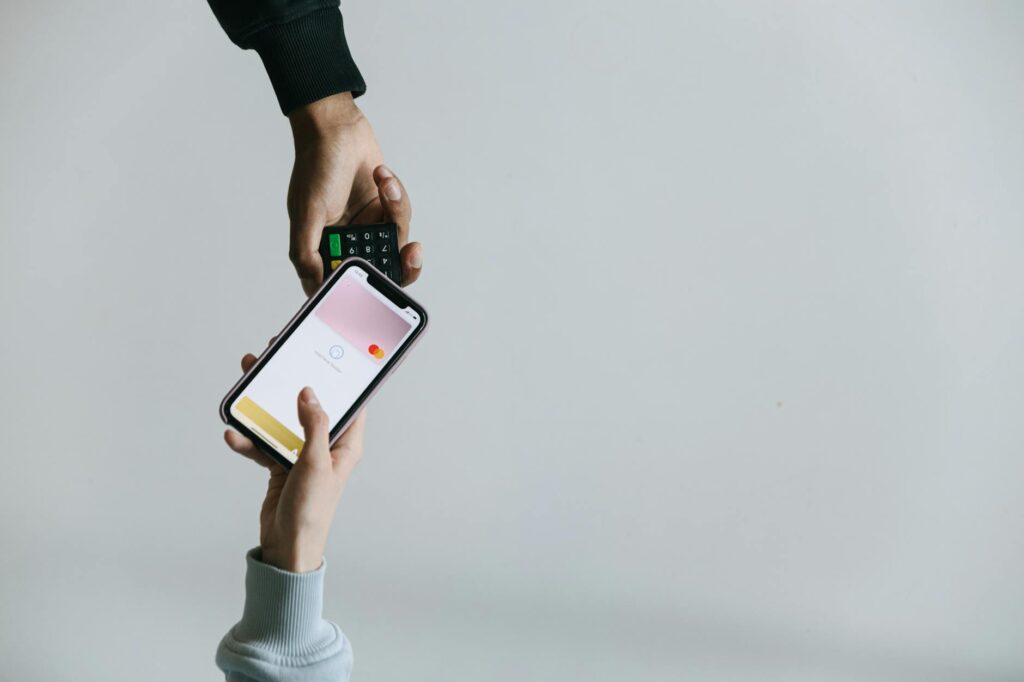
Consider Apple Pay or Google Pay. When you authorize a payment, the system prompts you to scan your fingerprint or face. This process is designed to be quick for legitimate users but a significant barrier for unauthorized access. If your phone is lost or stolen, a thief would need your physical biometrics to access your payment information.
The Crucial Role of Software Updates
Outdated software is a security gaping hole. Regularly updating your smartphone’s operating system (iOS or Android) and all your installed applications, especially payment apps, is paramount. Developers constantly release patches to fix newly discovered security vulnerabilities.
A prime example from 2025 highlights this: a critical vulnerability was found in a popular mobile banking app. Those who hadn’t updated their app promptly were at risk of their account details being compromised. By simply ensuring automatic updates are enabled, you significantly reduce your exposure to these known exploits.
Navigating the Perils of Public Wi-Fi
Using public Wi-Fi networks, like those found in cafés or airports, to make mobile payments is a significant risk. These networks are often unsecured, making it easier for hackers to intercept the data you send and receive. This is known as a ‘man-in-the-middle’ attack.
A common scenario involves a hacker setting up a fake Wi-Fi hotspot with a name similar to a legitimate one, like “Free Airport Wi-Fi.” If you connect and then attempt to make a payment, your sensitive financial data could be captured. For this reason, it’s best practice to avoid making any financial transactions or accessing sensitive accounts while connected to public Wi-Fi. If you must, using a reputable Virtual Private Network (VPN) is highly recommended.
For example, NordVPN or Express VPN can encrypt your internet traffic, making it unreadable to anyone trying to snoop on public networks. According to a 2026 report by the Pew Research Center, nearly 40% of smartphone users connect to public Wi-Fi at least once a week, highlighting the widespread vulnerability.
Recognizing and Avoiding Phishing and Smishing
Phishing (via email) and smishing (via SMS/text message) are still incredibly effective tactics for stealing your payment information. These attacks often impersonate legitimate companies, like your bank or a popular retailer, asking you to click a link or provide personal details.
A typical smishing message in 2026 might read: “Your Apple Pay account has been suspended due to suspicious activity. Please verify your details here: [malicious link].” Clicking such a link could lead you to a fake login page designed to steal your Apple ID and associated payment information. Always scrutinize messages asking for personal data and verify them by contacting the company directly through official channels.
Securing Your Mobile Wallet’s Physical Access
Beyond app-level security, securing your physical device is non-negotiable. This means using a strong screen lock—a PIN, pattern, or password that’s not easily guessed. Avoid simple sequences like ‘1234’ or ‘0000’.
And, consider the privacy implications of your phone’s surroundings. Be mindful of who can see your screen when you’re entering payment details or checking your balance. A quick scenario: while paying for groceries at a busy checkout, an individual standing too close might glimpse your PIN entry or the transaction amount, potentially gathering information for future attacks.
The Consumer Financial Protection Bureau (CFPB) often publishes guidance on consumer protection in digital finance, emphasizing that device security is foundational to payment security.
Monitoring Transactions: Your Digital Watchdog
Even with the best security measures, it’s crucial to actively monitor your financial accounts. Most banks and payment apps offer real-time transaction alerts via push notifications, email, or SMS. Set these up immediately.
If you receive an alert for a transaction you didn’t make, act fast. Contact your bank or payment provider immediately. For example, if you see a $50 charge from an online merchant you don’t recognize on your Venmo account, report it. The faster you report unauthorized activity, the higher the chance of recovering funds and preventing further fraud, as outlined by the Federal Trade Commission (FTC).
| Security Feature | Description | Benefit | Potential Drawback |
|---|---|---|---|
| Strong Passwords/PINs | Unique, complex codes for apps and device lock. | Prevents unauthorized physical or digital access. | Can be forgotten or brute-forced if too simple. |
| Two-Factor Authentication (2FA) | Second verification step (e.g., code, biometrics). | Adds significant barrier against account takeover. | Can be inconvenient, or vulnerable to SIM-swapping attacks if phone number is the second factor. |
| Biometrics (Fingerprint/Face ID) | Uses unique physical characteristics. | Fast, convenient, and hard to replicate. | Can be spoofed in rare cases; requires compatible hardware. |
| Regular Software Updates | Patching OS and app vulnerabilities. | Fixes known security flaws. | Sometimes updates can introduce new bugs or compatibility issues. |
| VPN on Public Wi-Fi | Encrypts internet traffic. | Protects data from interception on unsecured networks. | Can slow down connection; requires a subscription. |
Common Mistakes in Mobile Payment Security
One of the most common mistakes is reusing passwords across multiple payment apps and other online accounts. If one account is compromised, attackers can potentially access many others. Another frequent error is granting excessive permissions to payment apps, such as access to contacts or location data when it’s not strictly necessary for the app’s function.
Over-sharing payment information on social media or insecure websites is also a significant pitfall. Remember, even if an offer looks too good to be true, it often is. Always verify the legitimacy of a website or app before entering any sensitive details.
Pros
- Convenience and speed for transactions.
- Increased accessibility for many users.
- Integration with loyalty programs and budgeting tools.
- Enhanced security features like tokenization and biometrics when implemented correctly.
Cons
- Vulnerability to malware and phishing attacks.
- Risks associated with using public or unsecured Wi-Fi.
- Potential for unauthorized access if device security is weak.
- Dependency on device functionality (battery life, signal).
Expert Tips for Secure Mobile Payments in 2026
Beyond the basics, consider these advanced tips. Regularly review the app permissions on your smartphone. Go into your phone’s settings and check what data each app can access. If a payment app requests access to your contacts or microphone and it doesn’t make sense for its function, revoke that permission. A report from the National Cybersecurity Alliance in early 2026 noted that misconfigured app permissions are a growing concern.
Also, be selective about which payment apps you install. Stick to well-known, reputable providers with strong security track records. For example, services like Apple Pay, Google Pay, Samsung Pay, PayPal, and your bank’s official mobile app are generally considered secure when used correctly. Avoid downloading payment apps from unofficial sources.
Frequently Asked Questions
Is it safe to use mobile payments on public Wi-Fi in 2026?
it’s generally not recommended to use public Wi-Fi for mobile payments due to the risk of data interception. If you must use public Wi-Fi, always employ a trusted Virtual Private Network (VPN) to encrypt your connection and protect your financial data.
How can I protect my mobile payment app from malware?
Download apps only from official app stores (Google Play Store, Apple App Store), keep your operating system and apps updated, and run reputable mobile security software. Be cautious about links and attachments in emails or texts.
What should I do if my phone with payment apps is lost or stolen?
Immediately contact your mobile carrier to suspend service and remotely lock or wipe your device using services like ‘Find My iPhone’ or ‘Find My Device’. Then, contact your bank and payment providers to disable or freeze your payment methods.
Are mobile payment apps more secure than credit cards?
Modern mobile payment apps often use tokenization, replacing sensitive card details with unique tokens for each transaction, which can make them more secure than swiping a physical card. However, overall security depends heavily on user practices and the specific app’s implementation.
How can I secure my mobile payment data if I travel internationally?
Ensure your device has a strong lock screen. Avoid using public Wi-Fi in unfamiliar locations. Consider using a VPN and inform your bank of your travel plans to prevent account flags. Rely more on trusted apps and less on potentially insecure local networks.
What is tokenization in mobile payments?
Tokenization replaces your actual credit or debit card number with a unique, randomly generated code (a token) for each transaction. This token can’t be used for other purchases or by other merchants, significantly reducing the risk if intercepted.
Last reviewed: May 2026. Information current as of publication; pricing and product details may change.
Editorial Note: This article was researched and written by the Bloxtra editorial team. We fact-check our content and update it regularly. For questions or corrections, contact us.