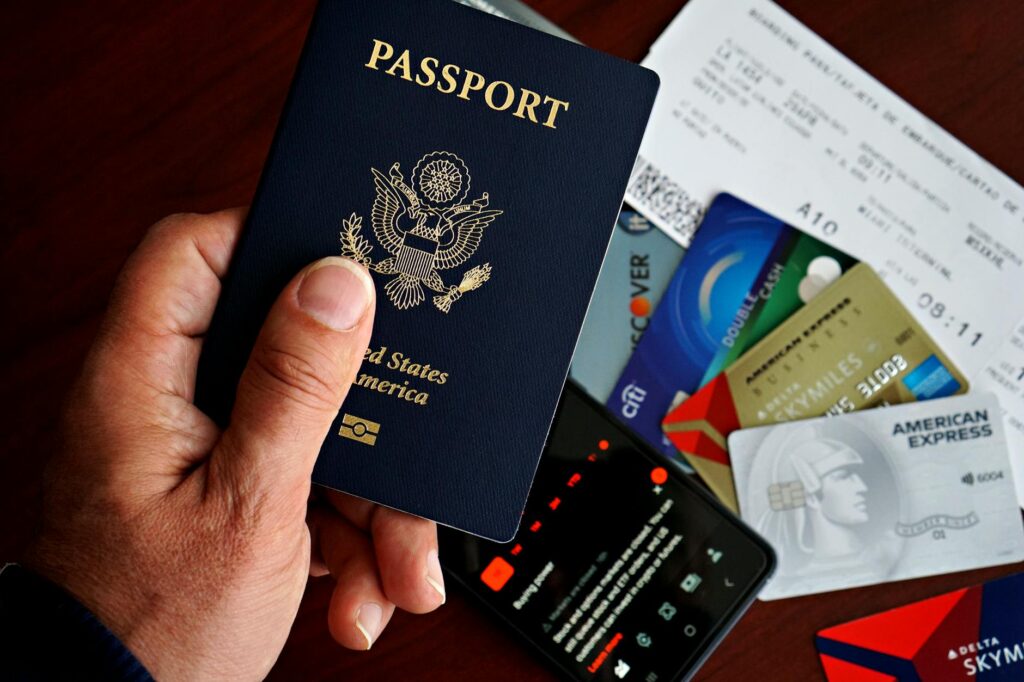
Digital Security for Travelers: Essential Gadgets and Apps for 2026
Most travelers spend hours planning itineraries and booking accommodations, but a silent threat lurks for many: digital insecurity. As of May 2026, our reliance on connected devices means that protecting your digital life while on the move is as crucial as packing your passport. From public Wi-Fi risks to sophisticated malware, staying secure requires more than just basic precautions. This guide details the essential gadgets and apps you need to Handle the digital landscape safely in 2026.
Key Takeaways
- A strong VPN is non-negotiable for public Wi-Fi security.
- Hardware security keys offer the strongest defense against account hijacking.
- Password managers simplify complex credentials and enhance security.
- Encrypted communication apps ensure your conversations remain private.
- Regular device updates and anti-malware software are foundational.
Why Digital Security Matters More Than Ever for Travelers
The convenience of smartphones, laptops, and tablets makes them indispensable travel companions. However, these devices store vast amounts of personal information, from financial details to travel plans and private communications. When you connect to unfamiliar networks or use devices in public spaces, you become a more attractive target for cybercriminals. According to cybersecurity experts, the risk of data breaches and identity theft increases significantly for travelers, especially in regions with less stringent digital privacy laws.
In 2026, the sophistication of cyber threats continues to evolve. Phishing attacks are more convincing, malware can be stealthier, and ransomware can cripple your devices, potentially costing you valuable time and money. Proactive digital security measures aren’t just about protecting data; they’re about ensuring your trip remains enjoyable and uninterrupted.
Essential Gadgets for Enhanced Traveler Digital Security
Beyond software, certain hardware can significantly bolster your digital defenses.
Hardware Security Keys
For ultimate protection against unauthorized access, hardware security keys are a major shift. These small USB or NFC devices act as a physical second factor for logging into accounts, making it incredibly difficult for attackers even if they steal your password. Brands like YubiKey offer a range of options, from basic USB-A keys to more advanced FIDO2-compliant models that work across various platforms.
Limitation: They can be easy to lose if not kept secure, and some require specific port types or compatibility checks for your devices.
Portable SSDs with Encryption
When you need to transfer or store sensitive files, a portable solid-state drive (SSD) with built-in hardware encryption is ideal. Instead of relying on software encryption, which can sometimes be bypassed, hardware encryption is handled directly by the drive’s controller. Samsung’s T7 Shield or SanDisk Extreme Portable SSD V2 are excellent, rugged choices offering fast speeds and strong data protection.
Limitation: These drives can be more expensive than standard external drives, and losing the encryption password means losing access to your data permanently.
Travel Routers with VPN Support
While many hotels and cafés offer Wi-Fi, these networks are often insecure. A personal travel router that supports VPN client functionality allows you to create a secure, encrypted tunnel for all your devices. You simply connect the travel router to the public Wi-Fi, and then connect your laptop, phone, and tablet to your personal encrypted network. GL.iNet offers popular models known for their security features and VPN compatibility.
Limitation: It adds another device to carry and requires setup, and the speed can be throttled by the router’s processing power or the public Wi-Fi connection itself.
Must-Have Apps for Digital Safety on the Go
Software plays a vital role in maintaining your digital security while traveling. Here are the essential apps to consider for 2026.
Virtual Private Networks (VPNs)
A VPN is arguably the most critical app for any traveler. It encrypts your internet traffic, masking your IP address and making it appear as though you’re browsing from a different location. This is essential for protecting your data from snooping on public Wi-Fi networks. Top-tier VPN providers like Express VPN, NordVPN, and Surfshark offer fast speeds, extensive server networks, and strong no-logs policies, crucial for maintaining privacy.
Limitation: Some websites or services may block VPN connections, and free VPNs often come with data limits, slower speeds, or questionable privacy practices.
Password Managers
Juggling multiple complex passwords for different accounts is a security nightmare. Password managers like Bitwarden, 1Password, or LastPass securely store all your credentials, generating strong, unique passwords for each site and autofilling them when needed. Many offer cross-device syncing, making them invaluable for travelers managing various online accounts.
Limitation: You only need to remember one master password, but if that master password is compromised, all your accounts are at risk. Choosing a reputable manager with strong encryption is key.
Encrypted Messaging Apps
For private conversations, especially those involving sensitive information, end-to-end encrypted messaging apps are a must. Signal and WhatsApp are leading examples, ensuring that only the sender and intended recipient can read messages. Signal is often favored for its open-source nature and commitment to privacy, as noted by security researchers.
Limitation: Both parties must use the same app, and if one device is compromised, the conversations on that device are no longer private.
Anti-Malware and Security Suites
While mobile operating systems have built-in security features, dedicated anti-malware software provides an extra layer of protection. Apps like Malwarebytes or Norton Mobile Security can detect and remove malicious software, block phishing attempts, and offer identity theft protection. For laptops, suites like Bitdefender Total Security or McAfee Total Protection offer complete protection against viruses, ransomware, and other online threats.
Limitation: These apps can consume battery power and system resources, and sometimes may flag legitimate apps as suspicious (false positives).
Secure File Storage and Syncing
For cloud storage, services like Sync.com or Tresorit offer end-to-end encryption, meaning even the service provider can’t access your files. This is far more secure than standard cloud services for storing sensitive travel documents or work files when you’re offline or on unsecured networks.
Limitation: Accessing files offline requires prior syncing, and these services may have storage limits on free tiers.
For detailed comparisons of security software and services, exploring resources like CNET reviews can provide up-to-date insights into the latest offerings.
Best Practices for Digital Security on the Go in 2026
Even with the best gadgets and apps, your habits play a crucial role in digital security.
1. Secure Your Devices with Strong Passwords/Biometrics
Set up strong, unique passcodes or biometric locks (fingerprint, facial recognition) on all your devices. This is the first line of defense if your device is lost or stolen.
2. Enable Two-Factor Authentication (2FA)
Whenever possible, enable 2FA for all your online accounts. This adds an extra layer of security beyond just your password, requiring a second verification method like a code from an app or a hardware key.
3. Be Wary of Public Wi-Fi
Avoid conducting sensitive transactions (like online banking or shopping) on public Wi-Fi. If you must use it, always use a VPN. Look for Wi-Fi networks that use WPA2 or WPA3 encryption.
4. Keep Software Updated
Regularly update your operating systems, browsers, and all applications. Updates often include critical security patches that protect against newly discovered vulnerabilities. As of May 2026, keeping your OS and core apps updated is more vital than ever.
5. Back Up Your Data
Regularly back up important files and photos to cloud storage or an external drive. This ensures you don’t lose critical information if a device is lost, stolen, or compromised.
6. Be Skeptical of Unsolicited Communications
Phishing attempts often increase when people travel. Be cautious of unexpected emails, texts, or social media messages asking for personal information or urging you to click suspicious links.
For more on safe online practices, the Federal Trade Commission (FTC) offers excellent advice on online security.
Common Pitfalls for Traveling Digital Security
Many travelers fall into common traps that compromise their digital safety.
Using Hotel or Airport Wi-Fi Without a VPN
These networks are often unencrypted and monitored. Users assume they are safe, but attackers can easily intercept data. The solution? Always connect your VPN before accessing the internet on public networks.
Reusing Passwords Across Multiple Sites
A single data breach can expose all your accounts if passwords are reused. A password manager is the easiest solution here, generating and storing unique, strong passwords for every service.
Ignoring Software Updates
Outdated software is a gaping security hole. Cybercriminals actively exploit known vulnerabilities in older versions. Make it a habit to install updates promptly, even if it means a brief pause in your travel plans.
Leaving Devices Unattended or Unlocked
A moment of carelessness can lead to device theft or unauthorized access. Always keep your devices with you or in a secure, locked location. Ensure devices lock automatically after a short period of inactivity.
FAQ: Traveler Digital Security in 2026
What is the single most important app for digital security while traveling?
The most critical app is a Virtual Private Network (VPN). It encrypts your internet connection, protecting your data from prying eyes on public Wi-Fi and enhancing your overall online privacy during your travels.
How much should I expect to spend on essential digital security gadgets and apps?
For essential apps like a reputable VPN and password manager, budget around $50-$100 annually. Hardware security keys can range from $25-$75 one-time. Portable encrypted SSDs might cost $80-$200 depending on capacity.
Is it safe to use my bank’s app on hotel Wi-Fi?
It’s safer to use your bank’s app when connected to a trusted network or via a VPN on public Wi-Fi. While banking apps use their own encryption, the underlying network can still be a risk. Always prioritize using a VPN on hotel or public networks.
Do I need a separate antivirus for my smartphone when traveling?
While smartphones have built-in security, a dedicated anti-malware app can offer enhanced protection against emerging threats and phishing attempts, especially when connected to untrusted networks abroad. It’s a worthwhile additional layer of security for travelers.
What if I lose my hardware security key while traveling?
If you lose your hardware security key, you’ll need to rely on your backup authentication methods, usually a code from an authenticator app or a recovery code. It’s vital to have these backups registered and accessible before you travel.
Can I rely on my phone’s built-in security features for travel?
Built-in features are good, but they’re often not enough for complete traveler digital security. They should be supplemented with a VPN, password manager, and potentially anti-malware software for strong protection against common travel-related cyber threats.
Conclusion: Travel with Digital Confidence
Digital security for travelers in 2026 isn’t an afterthought; it’s a fundamental component of modern travel planning. By investing in the right gadgets and apps, and by adopting safe digital habits, you can significantly reduce your risk of becoming a victim of cybercrime. Stay informed, stay protected, and enjoy your journey with the peace of mind that your digital life is secure.
Last reviewed: May 2026. Information current as of publication; pricing and product details may change.
Editorial Note: This article was researched and written by the Bloxtra editorial team. We fact-check our content and update it regularly. For questions or corrections, contact us.