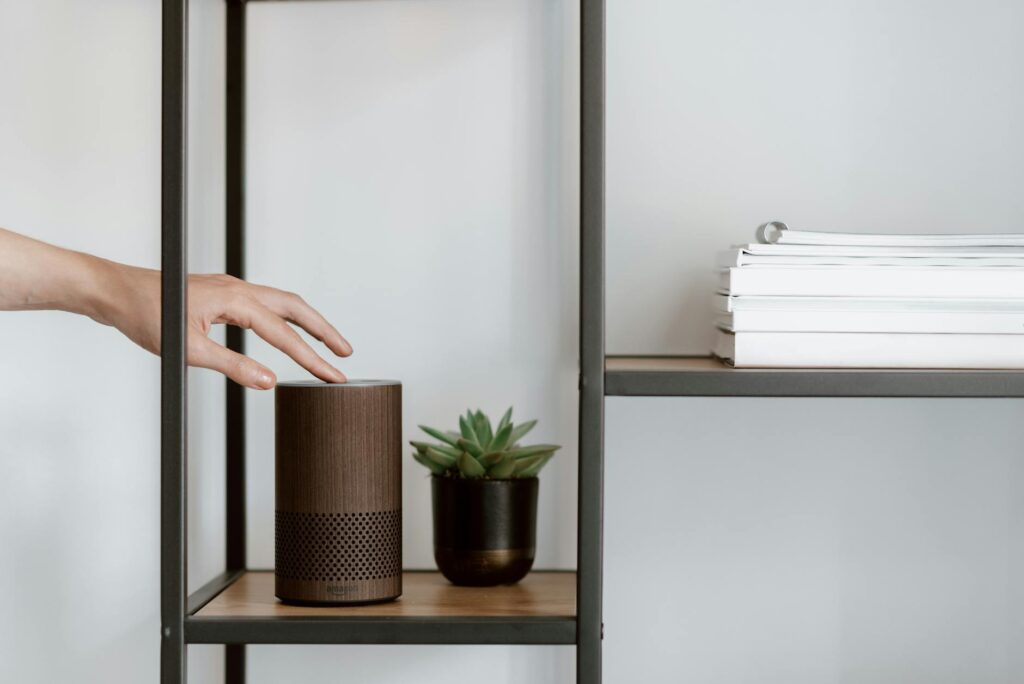
Unlock Your Smart Home’s Potential with Alexa Routines in 2026
This guide covers everything about Alexa Routines: Automate Your Smart Home Like a Pro. Most people think Alexa routines are just for turning lights on and off. But as of May 2026, the true power of Alexa routines lies in their ability to orchestrate complex sequences, turning your smart home into a truly intelligent, automated environment. It’s about making your devices work together, anticipating your needs, and saving you time and energy.
Key Takeaways
- Alexa routines allow for advanced automation beyond simple voice commands.
- Customising routines involves setting triggers, selecting actions, and adding custom phrases.
- Conditional logic can be incorporated, though it often requires third-party integration.
- Routines can enhance security, energy efficiency, and daily convenience.
- Troubleshooting and optimization are key to a smooth smart home experience.
What Exactly Are Alexa Routines?
At their core, Alexa Routines are custom sequences of actions triggered by a specific phrase, time, or event. Think of them as programmable shortcuts for your smart home. Instead of issuing multiple commands, you can trigger a single phrase like “Alexa, good morning,” and have your lights gently turn on, the news read aloud, and your smart coffee maker start brewing.
This level of automation, once complex and costly, is now accessible through the intuitive Alexa app. The real magic happens when you move beyond basic setups and start crafting routines that truly reflect your lifestyle. As of 2026, the capabilities have expanded significantly, allowing for more nuanced control over your connected devices.
The Anatomy of a Powerful Alexa Routine
Creating an effective Alexa routine involves understanding its three main components: the trigger, the actions, and optional custom phrases. This structure is fundamental to how you can automate your smart home like a pro.
1. The Trigger: What Kicks Things Off?
A trigger is the event that starts your routine. Amazon offers several built-in trigger types:
- Voice Commands: This is the most common. You create a custom phrase (e.g., “Alexa, movie time”) that Alexa recognizes.
- Schedule: Set routines to run at specific times of day, like a morning alarm or an evening wind-down sequence.
- Smart Home Events: With compatible devices, routines can be triggered by motion sensors, door sensors, or smart locks. For example, if a motion sensor detects movement after 10 PM, your hallway lights can turn on.
- Location (Geofencing): Routines can activate when you arrive home or leave. This requires location services to be enabled on your smartphone.
The real power for advanced automation lies in combining these triggers or using them in unexpected ways. For instance, a “Leaving Home” routine triggered by geofencing can ensure all lights are off and doors are locked.
2. The Actions: What Does Alexa Do?
These are the individual tasks Alexa performs when the trigger is activated. The variety of actions you can choose from is extensive and constantly growing. You can control:
- Smart Lights: Turn on/off, adjust brightness, change colour.
- Smart Plugs and Switches: Power on/off connected appliances.
- Thermostats: Adjust temperature settings.
- Smart Locks: Lock or unlock doors (often requires voice confirmation for security).
- Smart Cameras: Show feeds on Echo Show devices.
- Smart Speakers: Play music, podcasts, news, or make announcements.
- Other Alexa Skills: Some third-party skills can be integrated as actions.
For example, a “Bedtime” routine could trigger at 10 PM, turn off all living room lights, set the thermostat to a cooler temperature, and play a sleep soundscape.
3. Custom Phrases: Your Personal Command
When you choose a voice command as your trigger, you get to define the exact phrase Alexa will listen for. This is where personalization truly shines. Instead of generic commands, you can create phrases that are intuitive and meaningful to you and your household. A well-crafted custom phrase makes your smart home feel less like a gadget and more like a personal assistant.
Beyond the Basics: Advanced Alexa Routine Strategies
To truly automate your smart home like a pro, you need to think beyond single-trigger, single-action routines. As of May 2026, the Alexa ecosystem offers more sophisticated options, though some require creative workarounds or third-party integrations.
using Multiple Actions and Delays
Most routines allow you to string together multiple actions. But what if you need a pause between actions? For instance, you might want to turn off the main lights, wait 30 seconds, then turn on a night light. While Alexa’s built-in routine editor doesn’t always offer direct delay timers for every action, you can sometimes achieve this by adding multiple identical triggers with different actions or by using a third-party service like IFTTT (If This Then That) or services that integrate with Alexa, like Home Assistant, which offer more granular control.
A practical example: A “Goodnight” routine might first lock the doors, then wait 10 seconds before turning off all lights upstairs. This sequence ensures doors are secured before dimming the lights.
Conditional Logic: The Next Frontier
True automation often involves conditional logic – actions that only happen if certain conditions are met. For example, “If the temperature is above 75°F, turn on the smart fan.” Alexa’s native routines don’t natively support complex IF/THEN/ELSE statements within a single routine. However, you can simulate this behaviour:
- Using multiple routines: You could have one routine that turns on a fan when motion is detected in a room during a specific time window, and another that turns it off.
- Third-party integrations: Services like IFTTT or platforms like Home Assistant can bridge this gap. For instance, you could set up an IFTTT applet that says, “If Alexa says ‘It’s hot,’ then turn on the fan.”
For those deeply invested in the smart home, platforms like Home Assistant offer unparalleled flexibility, allowing you to build incredibly sophisticated conditional routines that can be triggered by Alexa voice commands. According to Home Assistant documentation, integrating it with Alexa opens up possibilities far beyond native capabilities.
Combining Different Trigger Types
The most powerful routines often blend different trigger types. Imagine a routine that:
- Starts with a schedule: At 6:00 AM on weekdays,
- Adds a voice command: But only if you say “Alexa, start my day,”
- Includes a smart home event: And the front door sensor shows the door is closed.
- Performs actions: Then, turn on the kitchen lights to 50%, start playing your favourite morning playlist, and announce the weather forecast.
This layered approach ensures your automation is responsive and context-aware, avoiding unnecessary actions and making your smart home feel truly intelligent.
Practical Alexa Routines for Everyday Life
Let’s look at some concrete examples of how you can automate your smart home like a pro using Alexa routines.
Morning Routine: The Gentle Wake-Up
This is a classic for a reason. Instead of a jarring alarm, try this:
- Trigger: Voice command “Alexa, good morning.”
- Actions:
- Turn on bedroom lights to 20% brightness (gradually increase over 5 minutes).
- Play your favourite news podcast or morning show at a low volume.
- Announce the weather forecast for the day.
- Turn on the smart plug connected to your coffee maker.
For an even smoother wake-up, use a smart bulb that supports sunrise simulation. You can find these from brands like Philips Hue or LIFX, often costing between $40-$60 per bulb.
Evening Routine: Wind Down and Secure
Transitioning from a busy day to relaxation is crucial. This routine helps:
- Trigger: Voice command “Alexa, good night.”
- Actions:
- Turn off all lights in the house except for a designated night light.
- Set the thermostat to your preferred sleeping temperature.
- Lock all smart doors.
- Turn off any active smart speakers or TVs.
- Play a calming playlist or white noise for 30 minutes.
Consideration: Ensure your smart lock has a voice confirmation step enabled for security, even within a routine. This prevents accidental unlocking.
Away Routine: Peace of Mind
When you leave home, you want assurance that everything is taken care of.
- Trigger: Voice command “Alexa, I’m leaving,” or geofencing when your phone leaves a set radius around your home.
- Actions:
- Turn off all lights and smart plugs.
- Adjust the thermostat to an energy-saving mode (e.g., eco mode).
- Arm your smart security system.
- Send a notification to your phone confirming the routine ran.
Movie Night Routine: Set the Ambiance
Create the perfect atmosphere for entertainment.
- Trigger: Voice command “Alexa, movie time.”
- Actions:
- Dim living room lights to 10%.
- Close smart blinds or curtains.
- Turn on the smart TV and soundbar.
- Set the thermostat to a comfortable viewing temperature.
Tip: For a truly immersive experience, consider smart LED light strips behind your TV that can sync with on-screen content using compatible systems like Philips Hue Sync.
Troubleshooting and Optimising Your Routines
Even the most pro-level automation can hit snags. Here are common issues and how to resolve them.
Common Mistakes to Avoid
- Overlapping Routines: Two routines triggered by the same phrase can confuse Alexa. Stick to unique phrases for each routine.
- Conflicting Device States: If one routine turns lights on and another turns them off immediately, Alexa might get confused or perform actions out of order. Use delays or ensure routines are mutually exclusive.
- Device Unresponsiveness: Ensure all your smart devices are connected to Wi-Fi and show as online in the Alexa app. A weak Wi-Fi signal can cause actions to fail.
- Forgetting Custom Phrases: If you have many complex routines, you might forget the exact phrase. Keep a list handy or use phrases that are easy to remember.
Tips for Smoother Automation
- Start Simple: Build complexity gradually. Master one-action routines before moving to multi-step sequences.
- Test Thoroughly: After creating or modifying a routine, test it multiple times to ensure it works as expected.
- Name Your Routines Clearly: Give routines descriptive names in the Alexa app (e.g., “Morning Wake Up,” not just “Routine 1”). This helps you manage them and avoid accidental triggers.
- Regularly Review and Update: Your needs change. Periodically review your routines to ensure they’re still relevant and efficient. As of 2026, smart home technology evolves rapidly, so staying updated is key.
The Future of Alexa Routines
Amazon continues to enhance Alexa’s capabilities. We’re seeing more intuitive AI learning user habits and suggesting routines. Integration with Matter, the new smart home standard, is also making cross-ecosystem automation smoother. As of May 2026, the potential for smooth, proactive home automation is greater than ever.
The ability to create truly personalized smart home experiences is no longer a futuristic dream but a present reality. By understanding the mechanics of Alexa routines and applying these advanced strategies, you can transform your house into a responsive, efficient, and convenient home.
Frequently Asked Questions
Can Alexa routines control devices from different brands?
Yes, provided those devices are compatible with Alexa and have been added to your Amazon account. Alexa routines act as the conductor, orchestrating various smart devices regardless of their manufacturer, as long as they support Alexa integration.
How do I add a delay between actions in an Alexa routine?
Native Alexa routines don’t offer a direct delay timer for every action. You can sometimes add a second identical trigger with a different action, or use third-party services like IFTTT or Home Assistant for more advanced control over timing and sequences.
What is the best trigger for an Alexa routine?
The “best” trigger depends on your specific needs. Voice commands offer immediate control, schedules provide consistent automation, and smart home events or geofencing enable truly proactive and context-aware actions for advanced users.
Can Alexa routines use conditional logic (if/then)?
Native Alexa routines lack strong conditional logic. However, you can simulate this by creating multiple routines that depend on each other or by using more advanced third-party platforms like Home Assistant, which offers extensive IF/THEN/ELSE capabilities.
How many actions can be in one Alexa routine?
You can add a significant number of actions to a single Alexa routine. While there isn’t a hard public limit, practically speaking, it’s best to keep routines focused and manageable for reliability.
Are Alexa routines secure?
Alexa routines are generally secure, especially when used with strong security practices. For actions involving sensitive functions like unlocking doors, Alexa requires voice confirmation, adding an extra layer of protection. Always use strong passwords for your Amazon account and connected devices.
Last reviewed: May 2026. Information current as of publication; pricing and product details may change.
Related read: FaceTime vs. Zoom vs. Google Meet: Which Video Call App Is Right for You in 2026?
Editorial Note: This article was researched and written by the Bloxtra editorial team. We fact-check our content and update it regularly. For questions or corrections, contact us.